
Introduction
A laptop that refuses to charge can quickly disrupt your work, studies, or entertainment. Whether your battery stays at 0%, the charger only works at a certain angle, or your laptop powers off the moment you unplug it, charging issues are among the most common laptop problems. Fortunately, many of these issues can be diagnosed and repaired without replacing your entire device.
At Hampstead Tech, our experienced technicians provide professional laptop charging issue diagnosis and charging port replacement services for all major laptop brands. Visit Hampstead Tech to book a repair or learn more about our services.
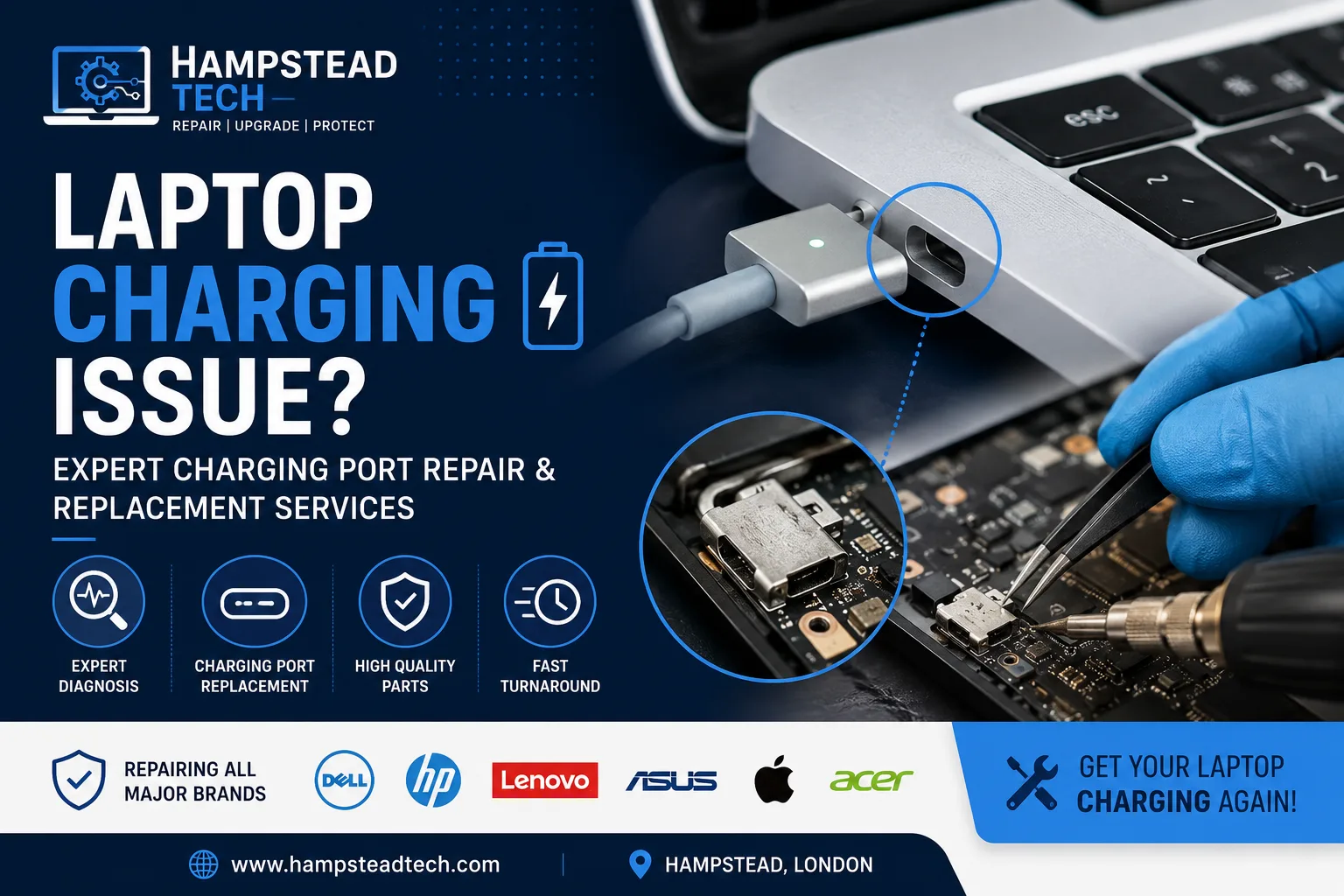
Common Signs of a Faulty Charging Port
Your laptop may need charging port repair if you notice any of the following:
The charger only works when held in a specific position.
The charging cable feels loose inside the port.
Your laptop doesn’t detect the charger.
Charging starts and stops randomly.
The charging port appears bent or damaged.
Sparks, overheating, or a burning smell near the charging socket.
These symptoms often indicate a damaged DC power jack, worn internal connections, or physical damage caused by repeated plugging and unplugging. Charging port faults are a common repair issue across many laptop brands and often require inspection of the charger, battery, port, and motherboard to identify the root cause.
What Causes Laptop Charging Problems?
Not every charging issue means the charging port is faulty. Our technicians perform a complete diagnosis to identify the exact problem.
Common causes include:
Damaged charging port
Faulty AC adapter or charger
Worn-out battery
Loose internal power connector
Motherboard power circuit failure
Liquid damage
Dust or debris inside the charging socket
Identifying the correct fault first helps avoid unnecessary repairs and ensures you only pay for what your laptop actually needs.
Our Professional Charging Port Replacement Process
At Hampstead Tech, every repair follows a careful diagnostic process.
1. Complete Diagnosis
We inspect the charger, battery, charging circuitry, and DC power jack to determine the exact cause of the issue.
2. Safe Disassembly
Our technicians carefully open your laptop using professional tools to prevent damage to delicate internal components.
3. Charging Port Replacement
If the charging port is damaged, we replace it with a high-quality compatible component. Some laptops require advanced micro-soldering directly onto the motherboard, while others allow the charging jack to be replaced as a separate part.
4. Full System Testing
After installation, we thoroughly test:
Stable charging
Battery performance
Power delivery
Connector strength
Overall laptop functionality
Only after passing all quality checks is the device returned to the customer.
We Repair All Major Laptop Brands
Our technicians repair charging issues for:
Apple MacBook
Dell
HP
Lenovo
ASUS
Acer
MSI
Samsung
Huawei
Microsoft Surface
Toshiba
Fujitsu
And many more
Whether it’s a business laptop, gaming machine, or student device, our team has the experience to restore reliable charging.
Why Choose Professional Repair?
Attempting to repair a charging port yourself can lead to:
Motherboard damage
Broken internal connectors
Electrical shorts
Permanent data loss
More expensive repairs later
Professional technicians have the specialist equipment and expertise needed for safe diagnosis and repair, particularly for soldered charging ports and motherboard-level faults.
Tips to Prevent Charging Port Damage
You can extend the life of your charging port by following a few simple habits:
Insert and remove the charger gently.
Never pull the charger by the cable.
Avoid using your laptop with excessive cable tension.
Keep the charging port free from dust and debris.
Use the correct charger recommended for your laptop.
Store your charger properly to prevent cable damage.
These small precautions can significantly reduce wear on the charging connector.
Why Choose Hampstead Tech?
When your laptop won’t charge, you need a repair service you can trust. At Hampstead Tech, we are committed to delivering reliable repairs, honest advice, and exceptional customer service.
Our customers choose us because we offer:
Expert technicians with extensive repair experience
Repairs for all major laptop brands
Accurate fault diagnosis
High-quality replacement parts
Competitive pricing
Fast turnaround times whenever possible
Thorough testing before every device is returned
Get Your Laptop Charging Again
A faulty charging port doesn’t necessarily mean you need a new laptop. In many cases, a professional charging port replacement can restore your device to full working condition while saving you the cost of buying a replacement.
Need this fixed?
We repair these at our workshop at 47 Hampstead High Street, London NW3 1QG. See our laptop and MacBook repair service, or book a repair online.