
Introduction
Tablets are useful devices for watching videos, reading, working, and staying connected. However, charging problems can make them difficult to use. One common issue is when the charging cable keeps falling out of the tablet’s port.
You may notice that the cable does not stay connected properly, charging stops when you move the device, or you need to hold the cable at a certain angle to charge your tablet.
This problem can be caused by a damaged charging port, a faulty cable, dust, or other connection issues. In this article, we will explain the common reasons behind this problem and how you can fix it.
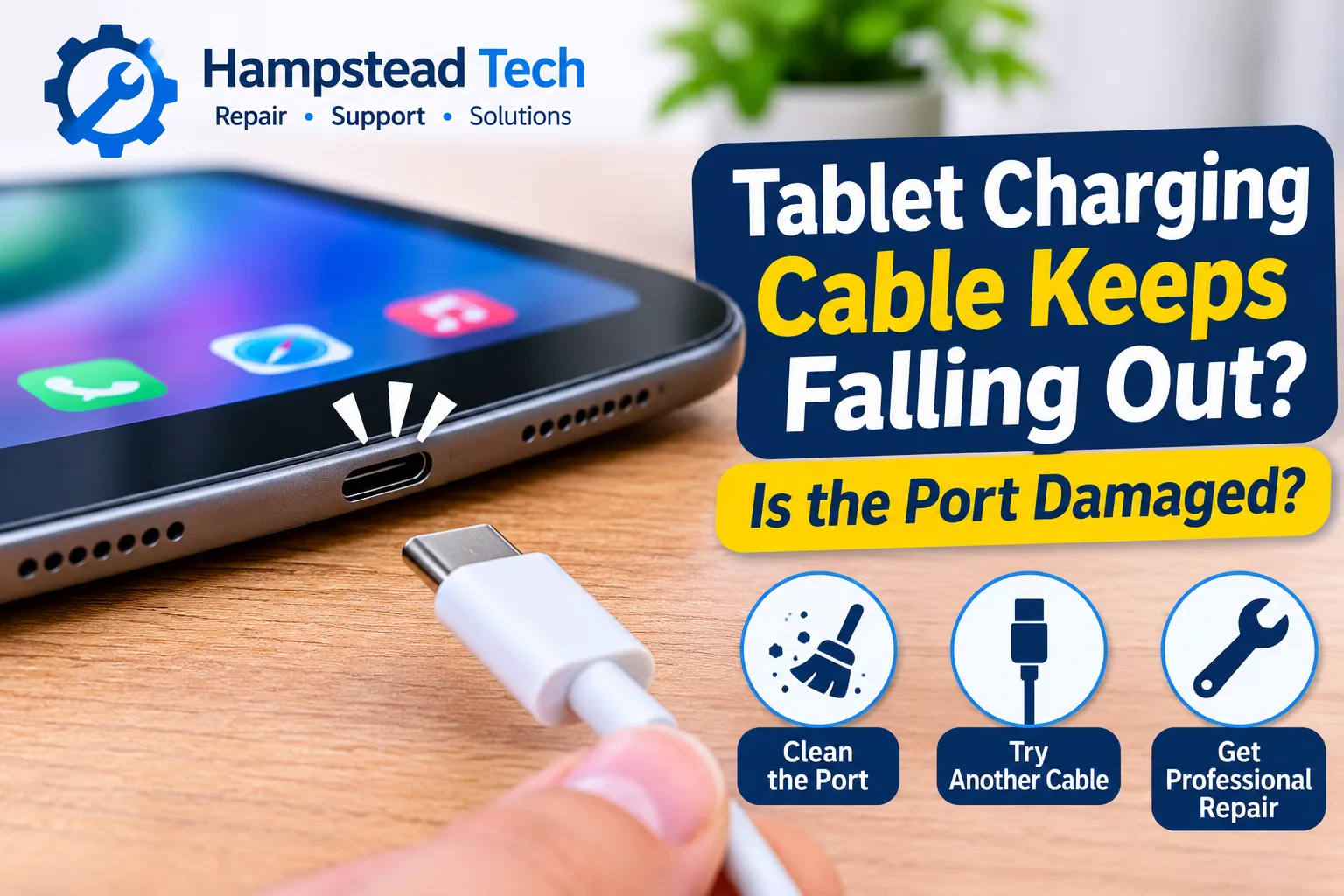
Why Does Your Tablet Charging Cable Keep Falling Out?
There are several reasons why a charging cable may not fit properly into your tablet. Sometimes, the problem is simple, but in other cases, the charging port may need professional repair.
Let’s look at the most common causes.
1. Dust and Dirt Inside the Charging Port
Dust, lint, and small particles can collect inside your tablet’s charging port over time. This buildup may prevent the charging cable from connecting properly.
When the connector cannot reach the correct position, it may feel loose or fall out easily.
How to fix it:
Turn off your tablet.
Use a flashlight to check inside the charging port.
Look for visible dust or debris.
Avoid inserting metal objects, pins, or sharp tools into the port.
If the dirt is difficult to remove, ask a professional technician to clean it.
Keeping the charging port clean can help prevent connection problems.
2. Damaged Charging Cable
Sometimes, the problem is not with the tablet but with the charging cable itself. Regular bending, pulling, and twisting can damage the cable or its connector.
A damaged connector may not fit securely into the charging port.
How to fix it:
Try using another compatible charging cable. If the new cable stays connected properly and charges your tablet normally, the old cable may need replacing.
Avoid using cables with exposed wires, bent connectors, or visible damage.
3. Loose or Damaged Charging Port
The charging port can become loose after repeated use. Connecting and disconnecting the cable several times every day can gradually wear down its internal components.
Accidental drops or pulling the cable while it is connected can also damage the port.
Some common warning signs include:
The charging cable moves around inside the port.
The cable falls out easily.
Charging stops when the tablet moves.
The tablet charges only when the cable is held at a certain angle.
The charging connection keeps starting and stopping.
If you notice these problems, the charging port may need professional inspection or replacement.
4. Using an Incompatible Charging Cable
Not every charging cable is suitable for every tablet. Different devices may use USB-C, Micro-USB, or other charging connectors.
Using an incompatible or poor-quality cable can result in a loose connection or unreliable charging.
How to fix it:
Always choose a compatible charging cable recommended for your tablet model. Check the connector type and make sure it fits correctly without forcing it into the port.
5. Physical Damage from Accidental Drops
Dropping your tablet while the charging cable is connected can put pressure on the charging port.
This may bend internal contacts, loosen the port, or damage the surrounding components.
Even if the tablet screen looks fine, the charging port may have suffered internal damage.
How to fix it:
Check the charging port for visible signs of damage. If the connector looks bent or the port moves inside the tablet, avoid using force and arrange a professional inspection.
6. Moisture Inside the Charging Port
Water and moisture can affect the charging connection. Even a small amount of liquid may cause corrosion or interfere with the electrical contacts.
Some tablets may also display a moisture warning when you connect a charger.
How to fix it:
Disconnect the charging cable immediately and allow the device to dry in a well-ventilated area. Do not use a hairdryer or insert objects into the port.
Do not attempt to charge the tablet while a moisture warning is present. If the problem continues, seek professional assistance.
How to Check Whether Your Tablet Charging Port Is Damaged
Before arranging a repair, you can perform a few simple checks to understand where the problem may be coming from.
Step 1: Try a Different Charging Cable
Use another compatible cable that you know works properly. If the connection becomes stable, your original cable may be faulty.
Step 2: Check the Charging Adapter
A faulty adapter can also cause charging interruptions. Try a compatible adapter and a different power outlet.
Step 3: Inspect the Charging Port
Use a flashlight to look inside the charging port. Check for dust, visible damage, corrosion, or bent internal components.
Step 4: Check the Cable Connection
Connect the cable gently. It should fit securely without excessive movement. Never force the connector into the port.
Step 5: Restart Your Tablet
If the connection is physically secure but charging behaves unusually, restart your tablet. Temporary software problems can sometimes affect charging behaviour.
If the cable still falls out after these checks, the charging port may require professional attention.
Can You Use Your Tablet with a Loose Charging Port?
You may still be able to use your tablet if the charging port is loose. However, continuing to use a damaged port is not a good idea.
Repeatedly moving or adjusting the cable can make the damage worse. It may also affect the internal charging connections.
Avoid holding the cable at an angle, using tape to keep it in place, or applying pressure while charging.
If you notice unusual heat, a burning smell, visible corrosion, or battery swelling, disconnect the charger and stop using the device until it has been inspected.
When Should You Replace Your Tablet Charging Port?
Not every charging problem requires a new port. Sometimes, replacing a faulty cable or removing debris can solve the issue.
However, charging port replacement may be necessary when:
The charging cable no longer fits securely.
The port has visible physical damage.
Charging repeatedly disconnects.
The tablet only charges when the cable is held at an angle.
The internal charging contacts are damaged.
The device does not recognise compatible charging cables.
A professional technician can inspect the charging port and determine whether cleaning, repair, or replacement is required.
How to Prevent Tablet Charging Port Damage
Taking care of your tablet can help prevent charging problems in the future.
Here are some simple tips:
Avoid pulling the charging cable out by its wire.
Disconnect the charger gently.
Use compatible and good-quality charging accessories.
Keep the charging port free from dust and moisture.
Avoid using your tablet roughly while it is charging.
Do not force a cable into the charging port.
Keep your tablet in a protective case when appropriate.
These habits can help protect the charging port and extend the life of your tablet.
Conclusion
A tablet charging cable that keeps falling out can be caused by dust, a damaged cable, an incompatible connector, or a loose charging port. Checking the cable and adapter is a good starting point before assuming that the port needs replacement.
If the cable continues to disconnect or does not fit securely, professional inspection can help identify the problem and prevent further damage.
If your tablet is experiencing charging problems, Hampstead Tech can help you explore suitable repair solutions. Visit Hampstead Tech to learn more about tablet repair services and get assistance with your device.
Need this fixed?
We repair these at our workshop at 47 Hampstead High Street, London NW3 1QG. Read more about iPad screen replacement, or book a repair online.