
Introduction
In today’s digital world, data is one of the most valuable assets for any business. Customer records, financial documents, project files, and business-critical applications all depend on secure and accessible storage. Unfortunately, data loss can happen at any time due to hardware failure, accidental deletion, cyberattacks, software corruption, or natural disasters.
This is where data recovery becomes essential.
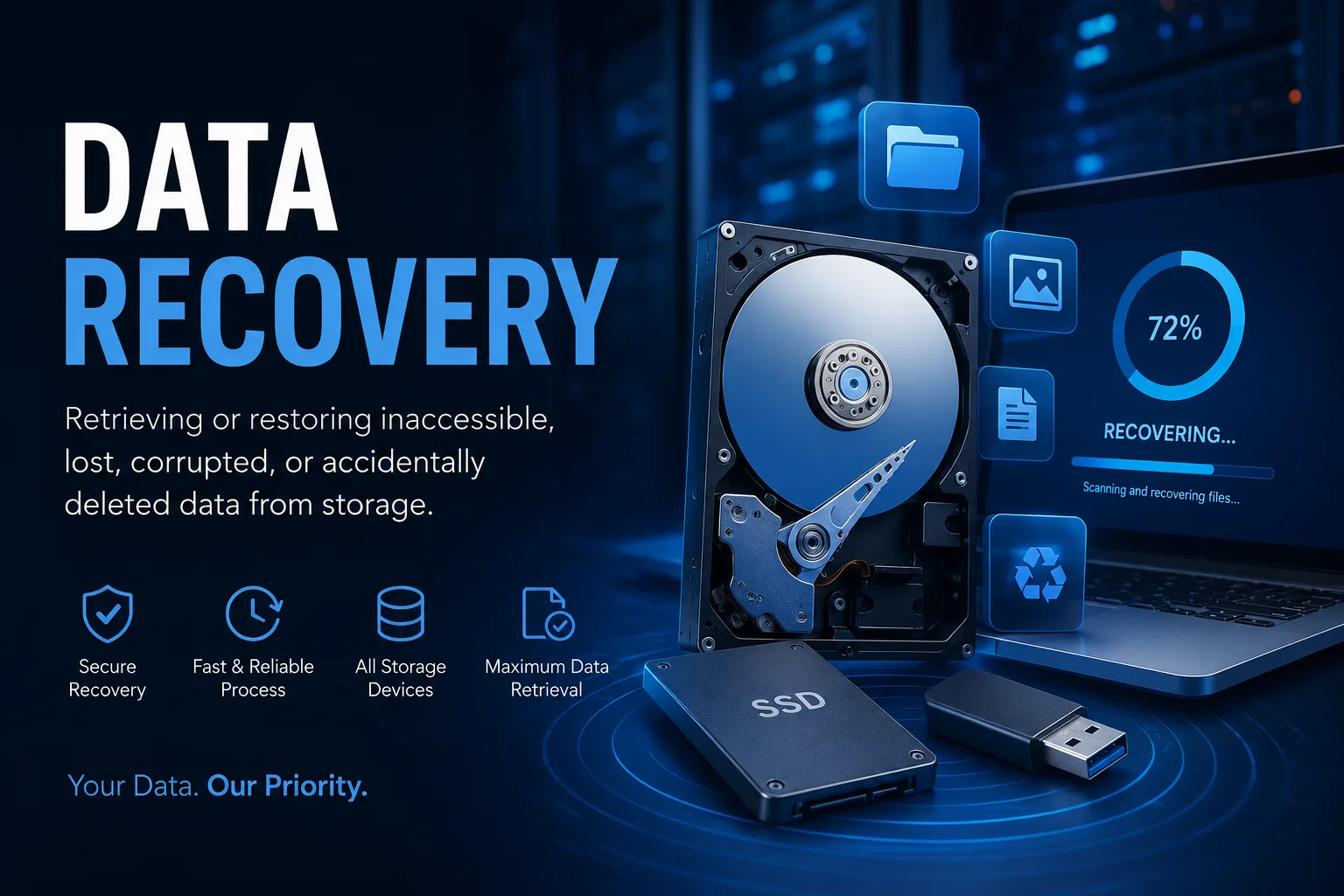
Data recovery is the process of retrieving or restoring inaccessible, lost, corrupted, or accidentally deleted data from storage devices such as hard drives, SSDs, USB drives, RAID arrays, servers, and cloud storage. Modern recovery techniques can often restore valuable information even after significant hardware or logical failures, though success depends on the cause of the loss and how quickly recovery begins.
What Is Data Recovery?
Data recovery involves using specialized tools, software, and techniques to recover files that are no longer accessible through normal means. Whether files were accidentally deleted, a storage device became corrupted, or a system crashed unexpectedly, recovery specialists work to restore as much data as possible.
Professional data recovery services can retrieve information from:
Hard Disk Drives (HDDs)
Solid State Drives (SSDs)
External Hard Drives
USB Flash Drives
Memory Cards
RAID Arrays
Network Attached Storage (NAS)
Servers
Desktop and Laptop Computers
Cloud Storage Systems
Common Causes of Data Loss
Businesses lose data for many reasons, including:
Hardware Failure
Hard drives and SSDs can fail without warning due to age, overheating, electrical issues, or manufacturing defects.
Accidental Deletion
Employees may unintentionally delete important files or format storage devices.
File Corruption
Software crashes, interrupted updates, and operating system failures can corrupt critical files.
Ransomware and Malware
Cybercriminals increasingly target businesses by encrypting or damaging important data.
Power Failures
Unexpected power outages or voltage spikes may damage storage devices and corrupt active files.
Natural Disasters
Floods, fires, and other environmental events can physically damage storage systems.
How Does Data Recovery Work?
The recovery process typically follows several key steps:
1. Device Evaluation
Experts examine the storage device to determine the cause of data loss and assess recovery options.
2. Diagnosis
The issue is identified as either:
Logical failure (deleted files, corruption, formatting)
Physical failure (damaged hardware)
Firmware failure
Software-related issues
3. Recovery Process
Depending on the problem, specialists use advanced recovery software or hardware techniques to retrieve lost files while minimizing additional damage.
4. Data Verification
Recovered files are verified to ensure they are complete and usable before being returned to the customer.
When Should You Seek Professional Data Recovery?
Professional assistance is recommended if:
Your hard drive makes clicking or unusual noises.
Your computer no longer recognizes the storage device.
Important business files have been accidentally deleted.
A RAID array or server has failed.
Your storage device has suffered water or fire damage.
Ransomware has made your data inaccessible.
Continuing to use a failing drive or repeatedly attempting DIY recovery can reduce the chances of successfully recovering data. Recovery experts generally recommend stopping use of the affected device as soon as data loss is discovered to avoid overwriting recoverable information.
Why Businesses Need a Reliable Data Recovery Strategy
Data loss can lead to:
Business downtime
Lost productivity
Financial losses
Regulatory compliance issues
Damage to customer trust
Permanent loss of valuable information
Having a professional recovery plan helps organizations respond quickly when unexpected incidents occur.
Data Recovery vs. Data Backup
Although they are closely related, they serve different purposes.
The most resilient approach combines regular backups with a clear data recovery strategy.
Best Practices to Prevent Data Loss
Businesses can significantly reduce risk by following these practices:
Schedule automatic backups.
Store backups in multiple locations, including the cloud.
Monitor storage devices for signs of failure.
Install endpoint security and antivirus protection.
Keep operating systems and applications updated.
Train employees on cybersecurity awareness.
Test backup restoration regularly.
Why Choose Hampstead Tech for Data Recovery?
At Hampstead Tech, we understand how critical your business data is. Our data recovery solutions are designed to help organizations recover inaccessible, deleted, or corrupted data while minimizing downtime and protecting sensitive information.
Whether you’re dealing with accidental deletion, storage failure, ransomware, or corrupted systems, our experienced team works quickly to identify the issue and implement the most effective recovery solution.
Final Thoughts
Data loss is never expected, but it doesn’t have to become a disaster. With the right expertise and recovery process, many lost files can be successfully restored.
If your organization experiences unexpected data loss, acting quickly is essential. The sooner recovery begins, the greater the likelihood of retrieving valuable business information while minimizing disruption to your operations.
Need this fixed?
We repair these at our workshop at 47 Hampstead High Street, London NW3 1QG. See our full list of repair services, or book a repair online.