
Smartphones have become an essential part of our daily lives. Whether you use an iPhone, Samsung Galaxy, Google Pixel, or another Android device, one component eventually wears out over time — the battery.
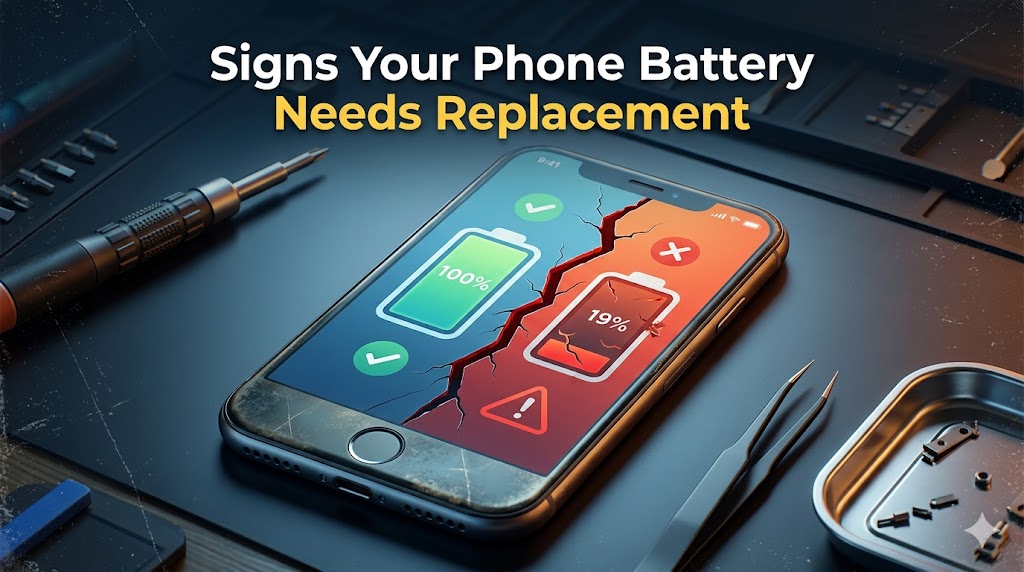
Most modern smartphones use lithium-ion batteries, which naturally lose their ability to hold a charge after years of use. If your phone battery drains quickly, overheats, or shuts down randomly, it may be time for a replacement.
Ignoring battery problems can lead to poor performance, unexpected shutdowns, and even permanent hardware damage.
In this guide, we’ll explain the most common warning signs of a failing smartphone battery and when you should consider replacing it.
1. Your Phone Battery Drains Too Quickly
One of the first signs of battery failure is rapid battery drain. If your phone used to last an entire day but now dies within a few hours, your battery health may be deteriorating.
Common Symptoms
Battery percentage drops rapidly during normal use
Phone loses charge while idle
Screen-on time becomes significantly shorter
You need to charge your phone multiple times a day
A worn-out battery can no longer store power efficiently, causing reduced battery life.
2. Your Phone Shuts Down Randomly
Does your phone suddenly power off even when the battery percentage shows 20% or 30% remaining?
As smartphone batteries age, they struggle to provide stable voltage during heavy tasks like gaming, video recording, or multitasking. When the battery cannot deliver enough power, the phone automatically shuts down to protect internal components.
Random shutdowns are a strong indication that the battery may need immediate replacement.
3. The Phone Overheats Frequently
It’s normal for a smartphone to become slightly warm during charging or gaming. However, excessive heat during basic tasks like browsing or texting may indicate battery damage.
Signs of Overheating
Phone feels hot while charging
Device overheats during regular use
Heat increases while using social media apps
Battery temperature rises quickly
Continuous overheating can damage your phone’s processor, screen, and internal circuits.
Warning: If your phone becomes extremely hot regularly, stop using it and have the battery checked by a professional technician.
4. Charging Becomes Extremely Slow
Another major warning sign is unusually slow charging or unstable battery percentages.
Common Charging Problems
Charging takes several hours
Battery percentage jumps suddenly
Charger disconnects repeatedly
Phone charges only at certain angles
Sometimes the issue may be caused by a faulty cable or dirty charging port.
Tech Tip: Before replacing the battery, clean the charging port carefully and test the phone with an original charger and cable.
If the problem continues, the battery is likely failing.
5. The Battery Starts Swelling
Battery swelling is one of the most dangerous smartphone battery problems.
When lithium-ion batteries fail internally, gases build up inside the battery, causing it to expand.
Signs of a Swollen Battery
Back cover starts lifting
Screen separates from the frame
Phone feels thicker than usual
White or rainbow pressure marks appear on the display
A swollen battery can become a serious fire hazard.
Important: Stop charging the phone immediately if you notice battery swelling. Avoid pressing or puncturing the device and seek professional repair service as soon as possible.
6. Your Phone Feels Slow and Laggy
A damaged battery can also affect overall smartphone performance.
Both Android and iPhone devices may automatically reduce processor speed when battery health declines. This helps prevent crashes and sudden shutdowns.
Performance Issues Caused by Weak Batteries
Apps freeze or crash
Phone becomes laggy
Slow app loading times
Reduced gaming performance
Replacing the battery can often restore your phone’s original speed and responsiveness.
7. Battery Health Drops Below 80%
Modern smartphones include built-in battery health monitoring tools.
For iPhone Users
Go to:
Settings → Battery → Battery Health & Charging
If the Maximum Capacity is below 80%, Apple recommends replacing the battery.
For Android Users
Many Android phones offer battery diagnostics through device care settings. Apps like AccuBattery can also help monitor battery health and charging cycles.
8. Your Phone Is More Than 2–3 Years Old
Smartphone batteries have a limited lifespan.
Most lithium-ion batteries are designed to handle approximately:
500–800 charge cycles
2–3 years of regular use
After this period, battery performance naturally declines.
If your phone is older than two years and showing several of the symptoms above, replacing the battery is usually the best solution.
Tips to Extend Your Smartphone Battery Life
Want your battery to last longer? Follow these simple maintenance tips:
Avoid Extreme Charging Habits
Try to keep your battery level between 20% and 80% whenever possible.
Use Original Chargers
Cheap or low-quality chargers can damage battery cells over time.
Keep Your Phone Cool
Avoid exposing your phone to direct sunlight or excessive heat while charging.
Avoid Full Battery Drain
Regularly draining the battery to 0% can shorten battery lifespan.
Frequently Asked Questions
Is It Worth Replacing a Phone Battery?
Yes. Replacing a battery is much cheaper than buying a new smartphone. A new battery can significantly improve performance and extend your phone’s lifespan by several years.
Can a Bad Battery Damage My Phone?
Yes. A failing battery can cause overheating, unstable voltage, swelling, and permanent damage to internal components such as the motherboard.
Final Thoughts
A weak smartphone battery can affect everything from battery life and charging speed to overall device performance. Ignoring the warning signs can lead to bigger hardware problems and expensive repairs.
If your phone drains quickly, overheats, shuts down randomly, or shows signs of swelling, it may be time for a professional battery replacement.
Need Professional Battery Replacement Services?
At Hampstead Tech, we provide fast and reliable smartphone battery replacement services for:
iPhone
Samsung Galaxy
Google Pixel
Xiaomi
Oppo
Vivo
Huawei
and more
Our experienced technicians use high-quality replacement parts to ensure safe and long-lasting performance for your device.
Need this fixed?
We repair these at our workshop at 47 Hampstead High Street, London NW3 1QG. See our phone repair service, or book a repair online.