
Introduction
Viruses, malware, spyware, ransomware, and other malicious software can seriously affect the security, privacy, and performance of your computer. A device that was once fast and reliable may suddenly become slow, display unwanted pop-ups, crash frequently, or behave in unusual ways.
If you suspect that your laptop or computer has been infected, professional virus and malware removal can help identify and eliminate harmful software while restoring your system’s performance.
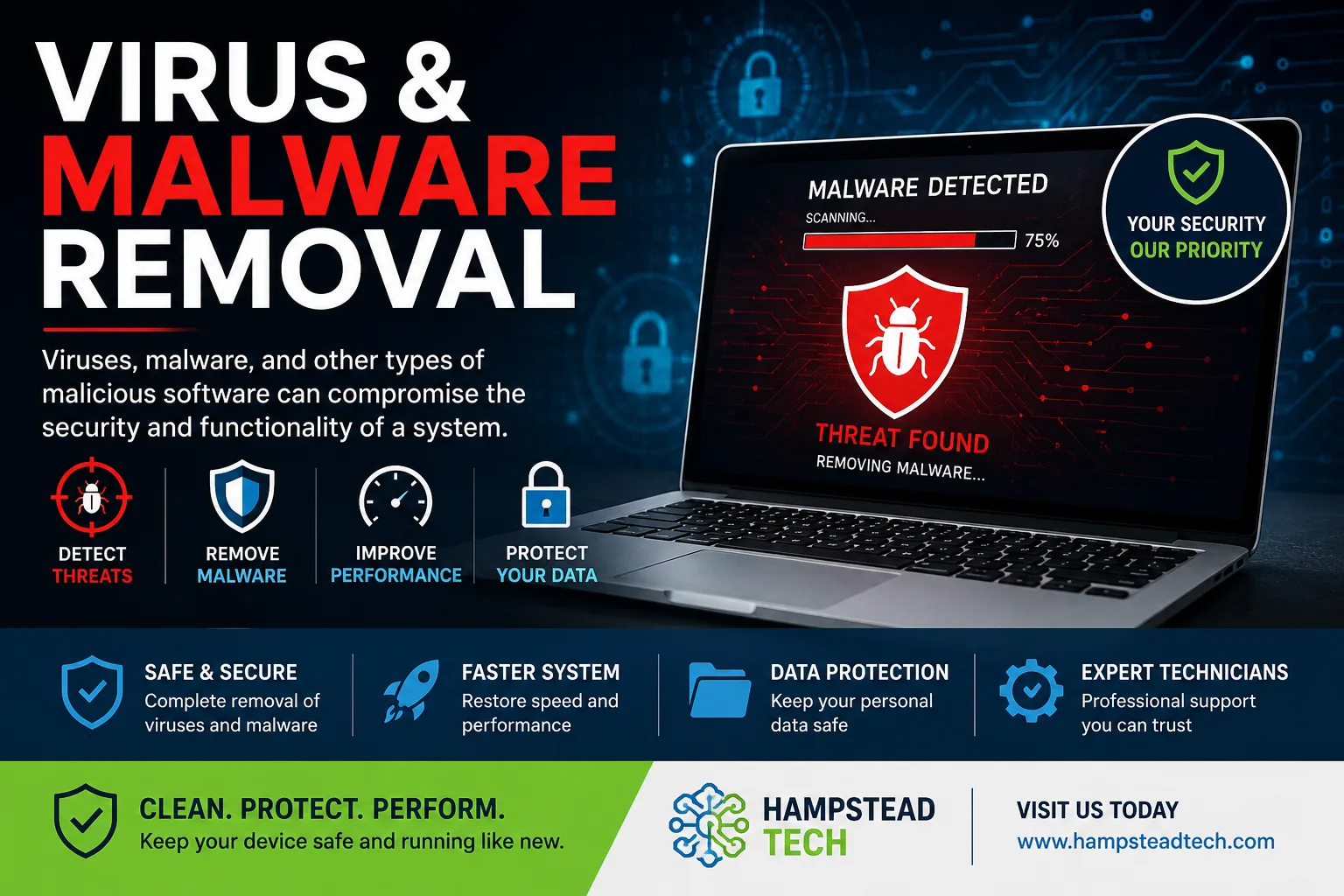
What Are Viruses and Malware?
Malware is a broad term used to describe malicious software designed to damage systems, steal information, disrupt operations, or gain unauthorized access to a device.
Common types of malware include:
Computer viruses – Programs that can spread between files and systems.
Spyware – Software that secretly monitors activity or collects information.
Trojans – Malicious programs disguised as legitimate applications.
Ransomware – Malware that can lock or encrypt files and demand payment.
Adware – Software that generates unwanted advertisements and pop-ups.
Worms – Malware capable of spreading across networks without requiring traditional user interaction.
Each type can create different problems, which is why accurate diagnosis is important.
Common Signs Your Computer May Have Malware
Malware does not always announce its presence. Some infections can operate quietly in the background. However, several warning signs may indicate that your device needs professional attention.
1. Your Computer Has Become Extremely Slow
If applications take much longer to open or your computer suddenly performs poorly, malware could be consuming system resources.
2. Frequent Pop-Ups and Unwanted Advertisements
Unexpected pop-ups, browser redirects, or advertisements appearing when you are not browsing may be signs of adware or another unwanted program.
3. Unknown Applications or Browser Extensions
If unfamiliar software, browser extensions, or toolbars appear on your device without your permission, they should be investigated.
4. Unexpected Crashes
Repeated freezing, crashes, or unusual error messages can sometimes be connected to malicious software or other system problems.
5. Unusual Network Activity
Malware may communicate with external servers in the background. Unexplained internet activity can therefore be a reason to have your computer checked.
6. Security Software Is Disabled
Some malicious programs attempt to interfere with antivirus or security software. If your security tools suddenly stop working or cannot be enabled, professional assistance may be required.
Why Professional Malware Removal Matters
Trying to remove malware without knowing what you are dealing with can sometimes make the situation worse. Removing only visible files may leave harmful components behind.
Professional technicians can inspect the system, identify suspicious software, remove malicious programs, and check that important security settings are functioning correctly.
A professional service can help with:
Malware detection and removal
Virus removal
Spyware and adware removal
Browser-related problems
Security software issues
Unwanted applications
System performance problems
Post-infection security checks
How Malware Can Affect Your Data
One of the biggest concerns with malware is data security. Certain types of malicious software can attempt to access personal information, passwords, documents, photographs, or other sensitive files.
This is why it is important not to ignore suspicious behaviour. The sooner an infection is identified, the sooner steps can be taken to protect the system and its data.
How to Reduce the Risk of Malware
While no system is completely immune to online threats, good security habits can significantly reduce your risk.
Keep Your Operating System Updated
Install security updates and operating-system updates when they become available. Updates often address known security vulnerabilities.
Use Reliable Security Software
A reputable antivirus or security solution can help detect and block many common threats.
Be Careful With Email Attachments
Avoid opening unexpected attachments or clicking suspicious links, particularly when the sender or message appears unusual.
Download Software Carefully
Only download applications from trusted sources and avoid unfamiliar websites offering pirated or modified software.
Back Up Important Files
Regular backups can help protect important documents and personal files if your computer experiences a serious malware infection or other failure.
Get Professional Virus & Malware Removal
If your computer is displaying unusual pop-ups, running slowly, crashing, redirecting your browser, or showing other suspicious behaviour, don’t simply ignore the warning signs.
Professional virus and malware removal can help restore your computer’s security and functionality while giving you peace of mind.
For expert computer support and technical assistance, visit Hampstead Tech and get your device checked by experienced technicians.
Need this fixed?
We repair these at our workshop at 47 Hampstead High Street, London NW3 1QG. See our laptop and MacBook repair service, or book a repair online.