
Introduction
A cracked phone or tablet screen can be surprisingly easy to ignore.
At first, everything may seem fine. The display still turns on, your apps still work, and you can continue sending messages, checking emails and browsing the web. So why spend money on a repair?
The problem is that a damaged screen isn’t always just a cosmetic issue.
What starts as a small crack can gradually affect the display, touch functionality and protection of the device. In some cases, continuing to use a damaged screen can also make the eventual repair more complicated.
So, what really happens when you keep using a damaged screen?
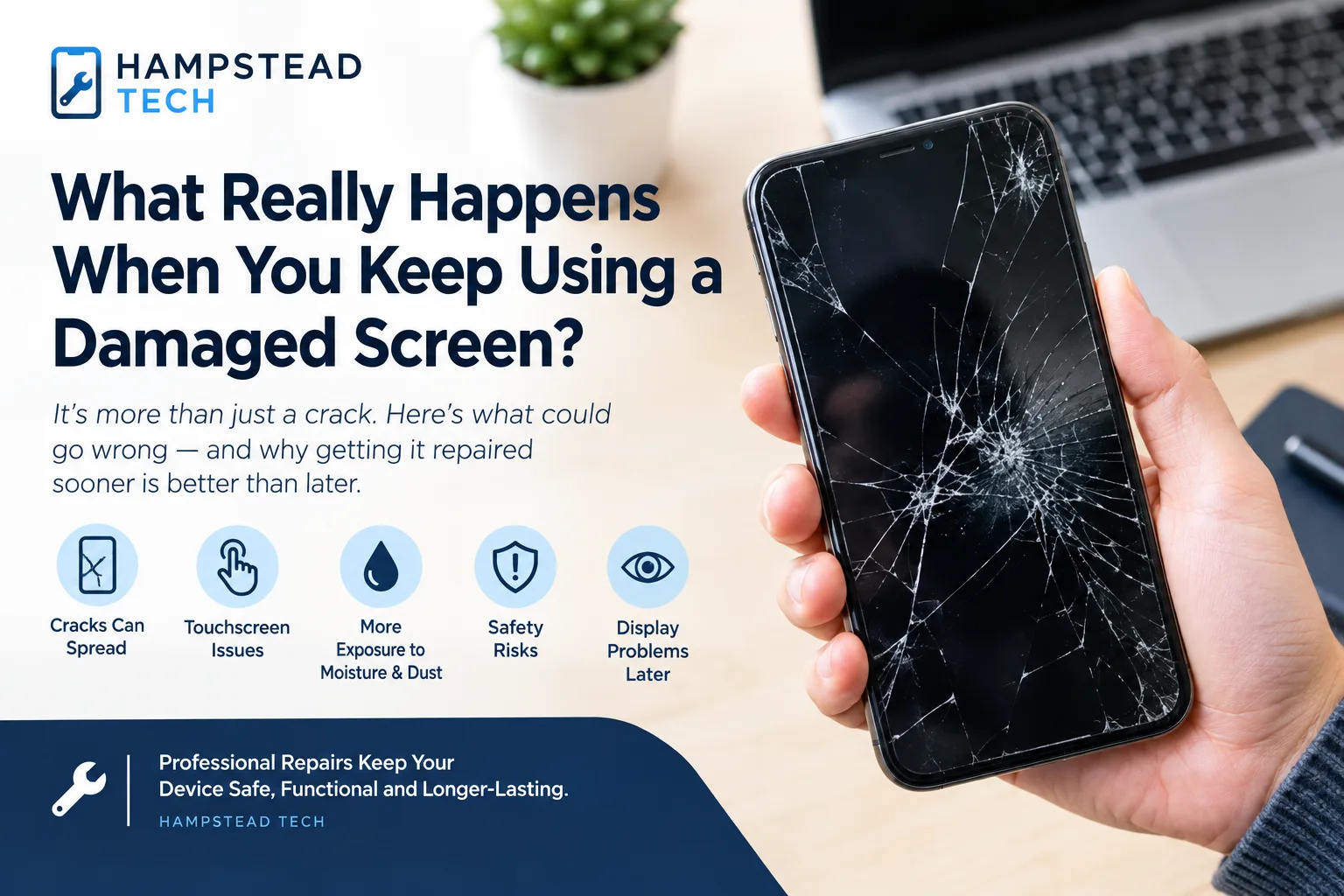
1. Small Cracks Can Become Much Bigger
A screen doesn’t necessarily stay at the same level of damage after it has cracked.
Everyday pressure from handling, carrying your device in a pocket or bag, and accidental knocks can cause existing fractures to spread. Google notes that even tiny fractures can grow over time, while Samsung advises repairing a damaged screen as soon as possible.
A small crack around the corner of your phone today could eventually become a large crack running across the display.
And once the damage spreads, you may notice other problems.
2. Your Touchscreen May Stop Responding Properly
Modern screens aren’t simply pieces of glass.
Underneath the surface are display and touch-sensitive components that allow your device to recognise taps, swipes and gestures.
When damage reaches these layers, you may experience:
Areas of the screen that don’t respond
Delayed touch responses
Incorrect taps
Difficulty typing
Flickering or unusual display behaviour
Random or unexpected touch inputs
Samsung explains that physical impact can result in black spots, abnormal lines and other display problems, including damage that may worsen over time.
That can turn a minor inconvenience into a device that’s difficult—or eventually impossible—to use normally.
3. Cracks Can Leave Your Device More Exposed
Your screen forms an important part of the device’s outer structure.
When that surface is damaged, the protection around the device can be compromised. Cracks can provide pathways for dust, moisture and other contaminants to reach areas that would normally be better protected.
This is particularly important if you regularly use your phone outdoors.
Rain, spills, condensation or simply carrying a damaged phone in a dusty environment can create additional problems.
Even if your phone originally had a water-resistance rating, you shouldn’t assume that protection remains unchanged after physical damage.
4. Broken Glass Can Become a Safety Issue
A cracked screen isn’t always dangerous, but broken or loose glass deserves attention.
Sharp edges or fragments can cause cuts to your fingers, particularly when you repeatedly swipe across the damaged area. Manufacturer guidance also advises users not to handle or continue using devices with broken glass and to have them repaired by a qualified service provider.
If pieces of glass are lifting from the screen, avoid pressing them back down or trying to remove them yourself.
The safest approach is to have the device assessed professionally.
5. Display Problems May Appear Later
One of the frustrating things about screen damage is that the full extent of the problem isn’t always visible immediately.
A phone can have a functioning display after an impact while still developing problems later.
You might eventually notice:
Black or dark spots
Lines across the display
Flickering
Discolouration
Areas with reduced brightness
Touch problems
A display that becomes increasingly difficult to read
Samsung specifically notes that internal display damage can occur even when the outer glass doesn’t appear severely damaged.
That’s why a professional inspection can be useful after a significant impact.
6. The Repair May Become More Complicated
There’s another reason not to ignore a damaged screen: secondary damage can change the repair situation.
A simple screen problem may become more complicated if the device suffers another drop, moisture exposure or additional impact while already damaged.
That doesn’t mean every crack will inevitably cause further damage. The severity depends on the device, the type of damage and its condition.
But addressing a problem early can help prevent a relatively straightforward repair from becoming a larger issue.
Is It Ever Okay to Keep Using a Cracked Screen?
It depends on the condition of the device.
A tiny surface crack with no sharp edges, display problems or touch issues is different from a screen that’s shattered, lifting away from the frame or showing black spots and lines.
However, if the screen is sharp, loose, heavily cracked, unresponsive, showing unusual display behaviour, or the device has become hot or otherwise physically damaged, stop using it and seek professional advice.
Motorola’s guidance, for example, recommends stopping use when glass is broken, chipped or cracked and having the device repaired by a qualified service centre.
What Should You Do After Damaging Your Screen?
If you’ve just dropped your phone or tablet, don’t panic.
Start by checking the device carefully.
Check for:
Cracks or shattered glass
Black spots or lines
Touchscreen problems
A screen separating from the frame
Unusual heat
Signs of liquid exposure
Problems with charging or other functions
If the device is still usable and safe to handle, back up important photos, contacts and files before arranging a repair.
Avoid DIY repairs unless you have the appropriate knowledge, tools and replacement parts. A screen replacement involves delicate components, and attempting to repair a device without the correct equipment can cause additional damage.
Repair Before a Small Problem Becomes a Big One
A cracked screen doesn’t necessarily mean you need to replace your entire phone or tablet.
In many cases, the rest of the device may still be perfectly functional.
Professional repair allows a technician to assess the damage and determine whether a screen replacement or another repair is appropriate.
The important thing is not to assume that “it still works” means “there’s no problem.”
A damaged screen can gradually affect usability, protection and the overall condition of your device.
Final Thoughts
The temptation to live with a cracked screen is understandable. If your phone still works, repairing it can feel like something you can put off until later.
But screen damage can change over time.
Cracks can spread. Touch functionality can deteriorate. Display problems can appear. Broken glass can become a safety concern, and damaged seals can leave the device more vulnerable to moisture and debris.
If your screen is damaged, getting it assessed early can help you understand the problem and your repair options before it becomes more serious.
Your phone may still be working—but that doesn’t mean the damage should be ignored.
Need Screen Repair in Hampstead?
If you’ve cracked your phone, tablet or laptop screen, Hampstead Tech can help you explore the appropriate repair options.
Visit Hampstead Tech to learn more about professional device repair services.
Need this fixed?
We repair these at our workshop at 47 Hampstead High Street, London NW3 1QG. See our full list of repair services, or book a repair online.