
Introduction
Your laptop is an essential part of your daily life, whether you use it for work, study, gaming, or entertainment. But when the battery drains quickly or the laptop refuses to charge, even simple tasks become frustrating. While some charging issues can be resolved with basic troubleshooting, others require professional diagnosis and repair.
At Hampstead Tech, we provide reliable laptop battery replacement and charging repair services for all major brands, helping you get back to work without unnecessary delays.
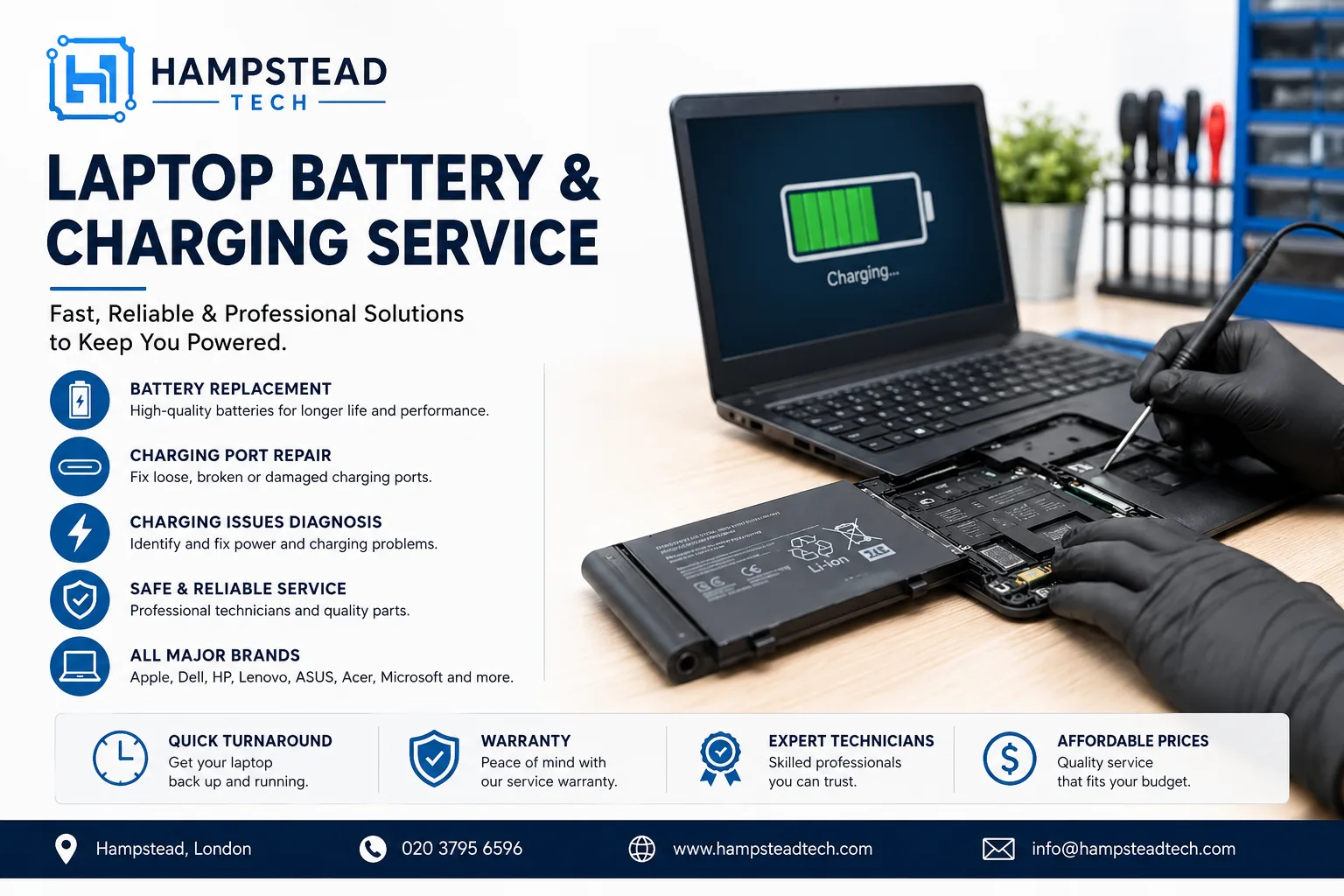
Common Laptop Battery Problems
Laptop batteries naturally wear out over time. Most lithium-ion batteries are designed to last between 300 and 500 charge cycles before their capacity starts to decline. If your laptop is more than two or three years old, battery performance may noticeably decrease.
Common signs of a failing battery include:
Battery drains much faster than before
Laptop shuts down unexpectedly
Battery percentage jumps suddenly
Battery won’t charge beyond a certain percentage
“Replace Battery” warning appears
Battery becomes swollen or causes the laptop casing to bulge
If you notice any of these symptoms, it’s best to have your device inspected before the problem worsens.
Why Isn’t My Laptop Charging?
A charging problem isn’t always caused by the battery itself. Several components work together to charge your laptop properly.
Common causes include:
Faulty charging adapter
Damaged charging cable
Loose or broken charging port
Worn-out battery
Motherboard charging circuit issues
Software or BIOS configuration problems
Professional diagnostics can quickly identify the exact cause, preventing unnecessary part replacements.
Why Professional Battery Replacement Matters
Installing an incorrect or low-quality battery can reduce performance and may even damage your laptop. A professional repair ensures:
Compatibility with your laptop model
Safe battery installation
Proper charging calibration
Battery health testing
Inspection of the charging system
Experienced technicians also check for hidden issues that could continue causing charging problems after a battery replacement.
Charging Port Repair
If your charger only works when held at a certain angle or the charging connection feels loose, the charging port may be damaged.
Typical symptoms include:
Laptop charges intermittently
Charger falls out easily
Charging indicator flashes on and off
Burn marks or loose connector inside the port
In many cases, replacing or repairing the charging port restores full functionality without replacing the entire motherboard. Repair services commonly include DC jack repairs, USB-C charging port replacement, and charging board diagnostics depending on the laptop model.
How to Extend Your Laptop Battery Life
You can maximise battery lifespan with a few simple habits:
Avoid exposing your laptop to excessive heat.
Use the original or a certified charger.
Keep software and drivers updated.
Reduce screen brightness when possible.
Avoid letting the battery regularly drain to 0%.
Clean dust from cooling vents to reduce overheating.
These small steps can significantly improve battery longevity.
Why Choose Hampstead Tech?
At Hampstead Tech, our technicians diagnose battery and charging issues accurately before recommending repairs. Whether you need a battery replacement, charging port repair, motherboard diagnostics, or general laptop servicing, we use high-quality replacement parts and professional repair techniques.
Our services include:
Laptop battery replacement
Charging port repair
Power and charging diagnostics
Motherboard repair
Laptop health checks
Support for Apple, Dell, HP, Lenovo, ASUS, Acer, Microsoft Surface, Samsung, and many other brands
Final Thoughts
A laptop that won’t charge or loses battery life quickly doesn’t always mean it’s time for a new device. In many cases, a professional battery replacement or charging repair can restore your laptop’s performance at a fraction of the cost of buying a new one.
If your laptop is showing signs of battery failure or charging issues, contact Hampstead Tech for expert diagnosis and reliable repair services.
Need this fixed?
We repair these at our workshop at 47 Hampstead High Street, London NW3 1QG. See our laptop and MacBook repair service, or book a repair online.