
Introduction
Few things are more frustrating than plugging in your tablet only to discover that the battery isn’t charging. Whether you use your tablet for work, study, entertainment, or staying connected, charging problems can quickly disrupt your day.
The good news is that many tablet charging issues can be diagnosed and repaired without replacing the device. At Hampstead Tech, our experienced technicians repair charging problems on a wide range of tablets, including Apple iPads, Samsung Galaxy Tabs, Microsoft Surface devices, Amazon Fire tablets, and many Android models.
Here’s a look at the most common causes of tablet charging problems and what you can do about them.
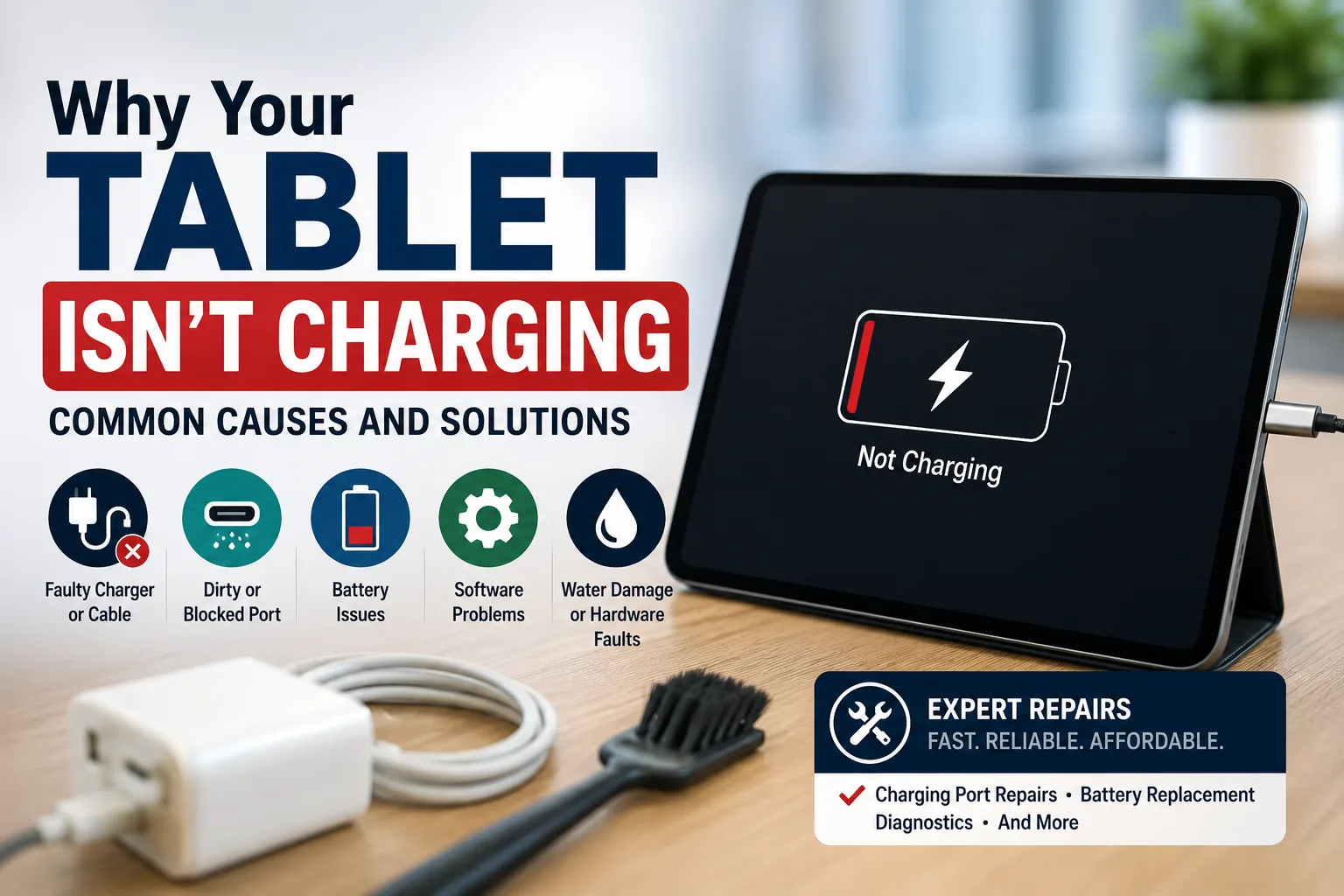
1. A Faulty Charging Cable or Adapter
Before assuming there’s something wrong with your tablet, check the accessories you’re using.
A damaged charging cable or power adapter is one of the most common reasons a tablet won’t charge.
Try the following:
Test with another compatible charging cable.
Use a different wall adapter.
Charge from a wall socket rather than a computer USB port.
Look for bent connectors or frayed cables.
Replacing a faulty charger is often the quickest and least expensive solution.
2. Dust or Debris in the Charging Port
Over time, pocket lint, dust, and dirt can build up inside the charging port, preventing the cable from making a proper connection.
Signs include:
The charging cable feels loose.
Charging starts and stops repeatedly.
You need to hold the cable at a certain angle.
Avoid using sharp objects to clean the port, as this can damage the internal connectors. A professional cleaning is much safer if the blockage is stubborn.
3. A Damaged Charging Port
If cleaning doesn’t solve the problem, the charging port itself may be damaged.
Common causes include:
Frequent plugging and unplugging
Using excessive force
Accidental drops while charging
Wear and tear over time
A damaged charging port usually requires replacement by a qualified technician to restore reliable charging.
4. Battery Wear and Tear
Tablet batteries naturally lose capacity as they age.
Signs of a failing battery include:
Battery drains very quickly.
Tablet switches off unexpectedly.
Charging takes much longer than before.
Battery percentage jumps up or down.
If the battery has reached the end of its lifespan, replacing it can restore your tablet’s performance and extend its usable life.
5. Software or Firmware Issues
Not every charging problem is caused by faulty hardware.
Sometimes software glitches prevent the tablet from recognising that it’s connected to a charger.
You can try:
Restarting the tablet.
Installing the latest software updates.
Performing a force restart.
Resetting power management settings (where applicable).
If the issue persists, professional diagnostics can determine whether the fault is software- or hardware-related.
6. Water or Liquid Damage
Even a small amount of moisture can affect charging components inside your tablet.
Symptoms may include:
Slow charging
No charging at all
Charging warning messages
Random shutdowns
If your tablet has been exposed to liquid, avoid charging it until it has been inspected, as doing so could cause further damage.
7. Internal Hardware Failure
Less commonly, charging issues may be caused by internal component failures, such as:
Power management IC faults
Motherboard damage
Loose internal connectors
These faults require specialist diagnostic equipment and should only be repaired by experienced technicians.
Can You Fix It Yourself?
Some simple checks—such as trying another charger or restarting the tablet—are worth attempting at home.
However, if your tablet still won’t charge after these steps, avoid dismantling it yourself. Modern tablets contain delicate components, and DIY repairs can often cause more damage than the original fault.
When Should You Seek Professional Repair?
It’s time to have your tablet professionally inspected if:
It won’t charge with multiple chargers.
The charging port is loose or damaged.
The battery drains unusually fast.
The tablet overheats while charging.
The device has suffered liquid damage.
The tablet won’t power on even after prolonged charging.
A professional diagnostic can identify the exact cause and recommend the most cost-effective repair.
Why Choose Hampstead Tech?
At Hampstead Tech, we repair charging issues on a wide range of tablets using high-quality replacement parts and professional repair techniques. Whether your tablet needs a charging port replacement, battery replacement, software repair, or advanced motherboard repair, our technicians will diagnose the problem accurately and provide honest advice before any work begins. Most repairs are completed quickly, helping you get back to using your device as soon as possible.
Final Thoughts
A tablet that won’t charge doesn’t necessarily need replacing. In many cases, the problem is caused by a worn charging port, failing battery, damaged charging accessories, or a simple software issue.
The sooner the fault is diagnosed, the greater the chance of preventing further damage and keeping repair costs down. If your tablet is experiencing charging problems, professional diagnostics can help identify the issue and restore your device to full working order.
Need this fixed?
We repair these at our workshop at 47 Hampstead High Street, London NW3 1QG. See our tablet and iPad repair service, or book a repair online.